My blog has a comment section now. Yay!
I’m using HTML Comment Box, which everybody on Neocities seems to use on their site. While it is framework agnostic (being a simple HTML widget), I haven’t seen it on any of the non-Neocities blogs I follow—those typically have a custom or more complicated set up for comments. I don’t really need a feature-rich comment section with analytics or user icons, nor do I want to set up a database for it, so this seemed like the best solution for my site (for now).
HCB pretty much works right out of the box. After logging in with a Google account, click the + options button to customize your widget. The most useful customization for me was ‘Show website field’, which links the comment author’s display name to their website.
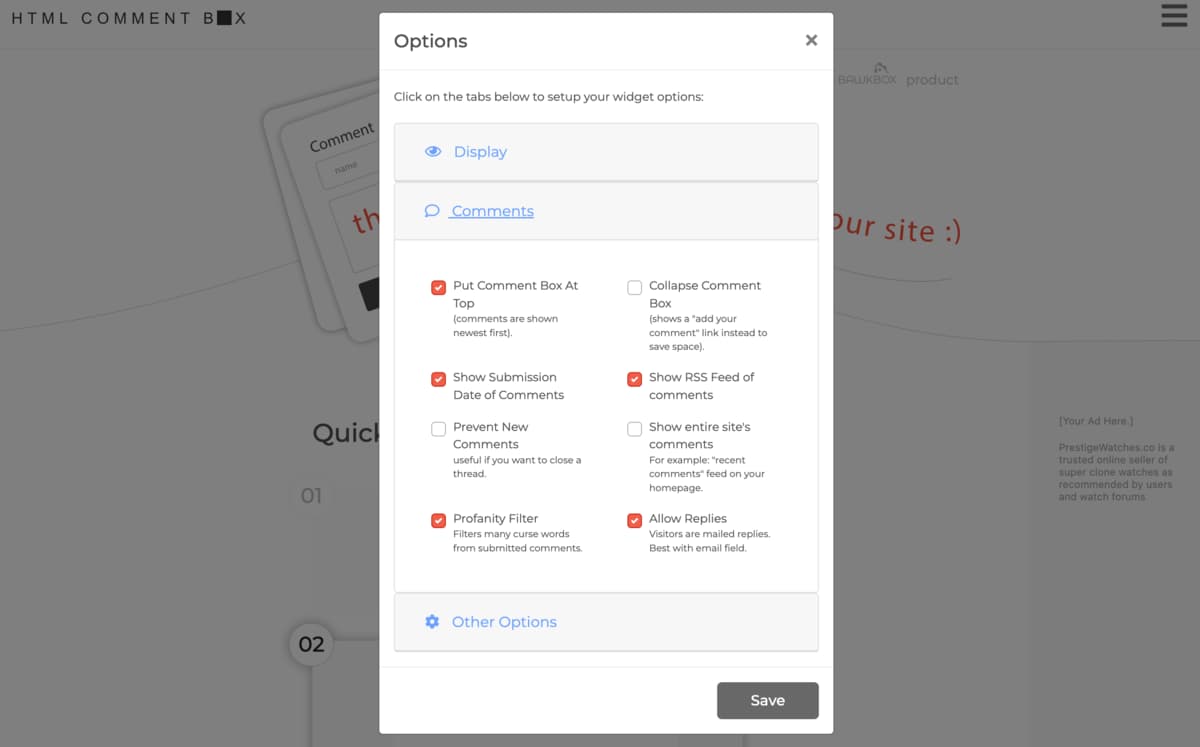
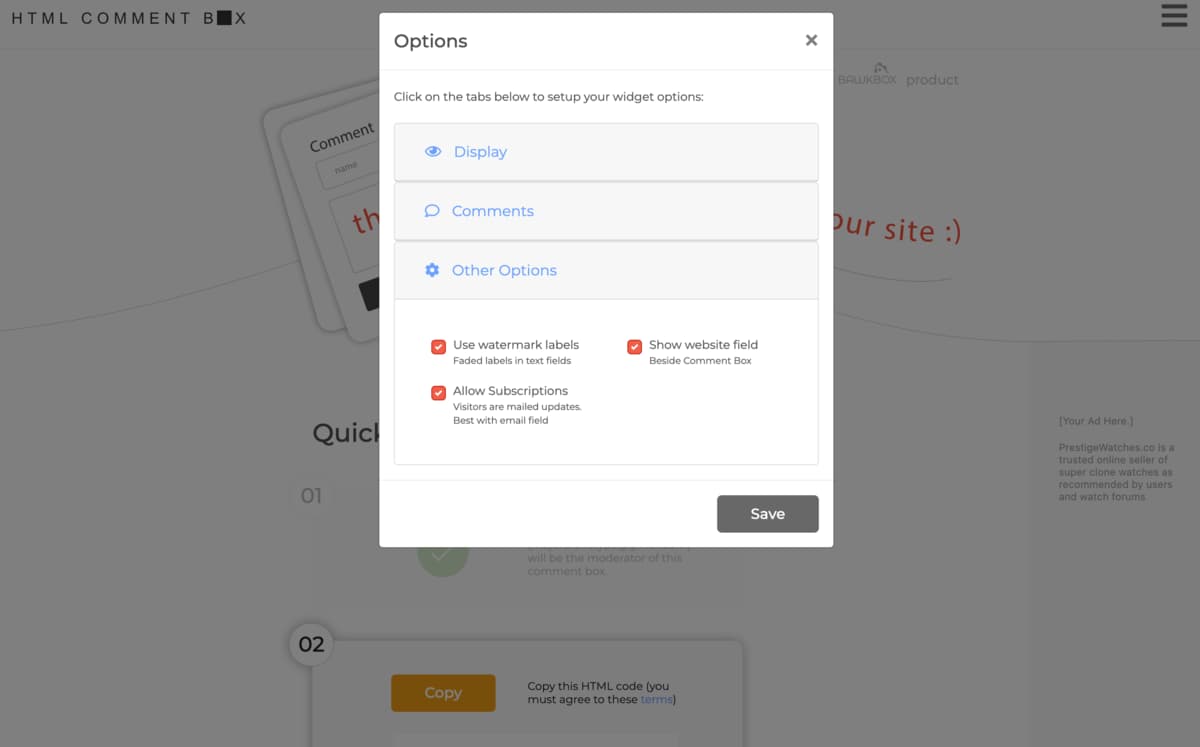
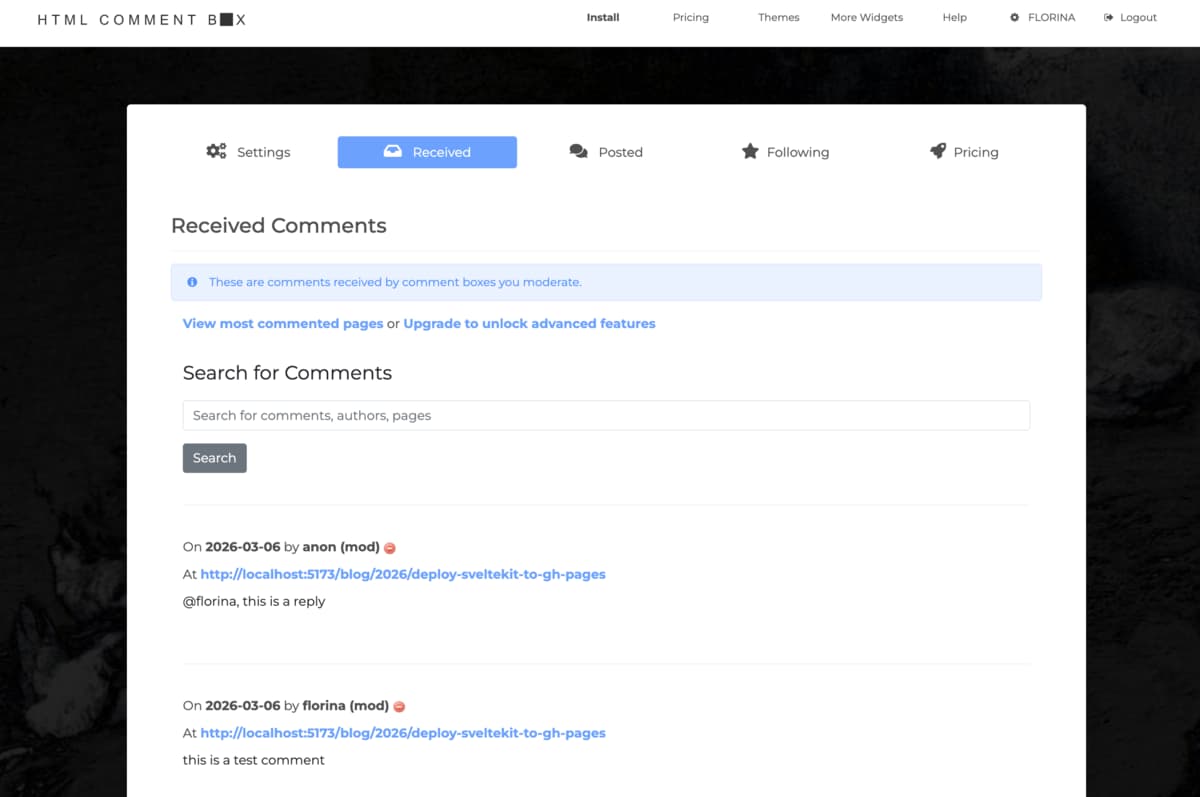
By default, the widget comes with an email field that allows visitors to be notified if anyone replies to their comment, but I’ve never liked the idea of submitting my personal email to random people’s blogs, so I decided to get rid of it on mine. Besides, if you have an HCB account and are logged in in your browser, it’ll automatically track every comment you receive or post on other HCB-powered comment sections.
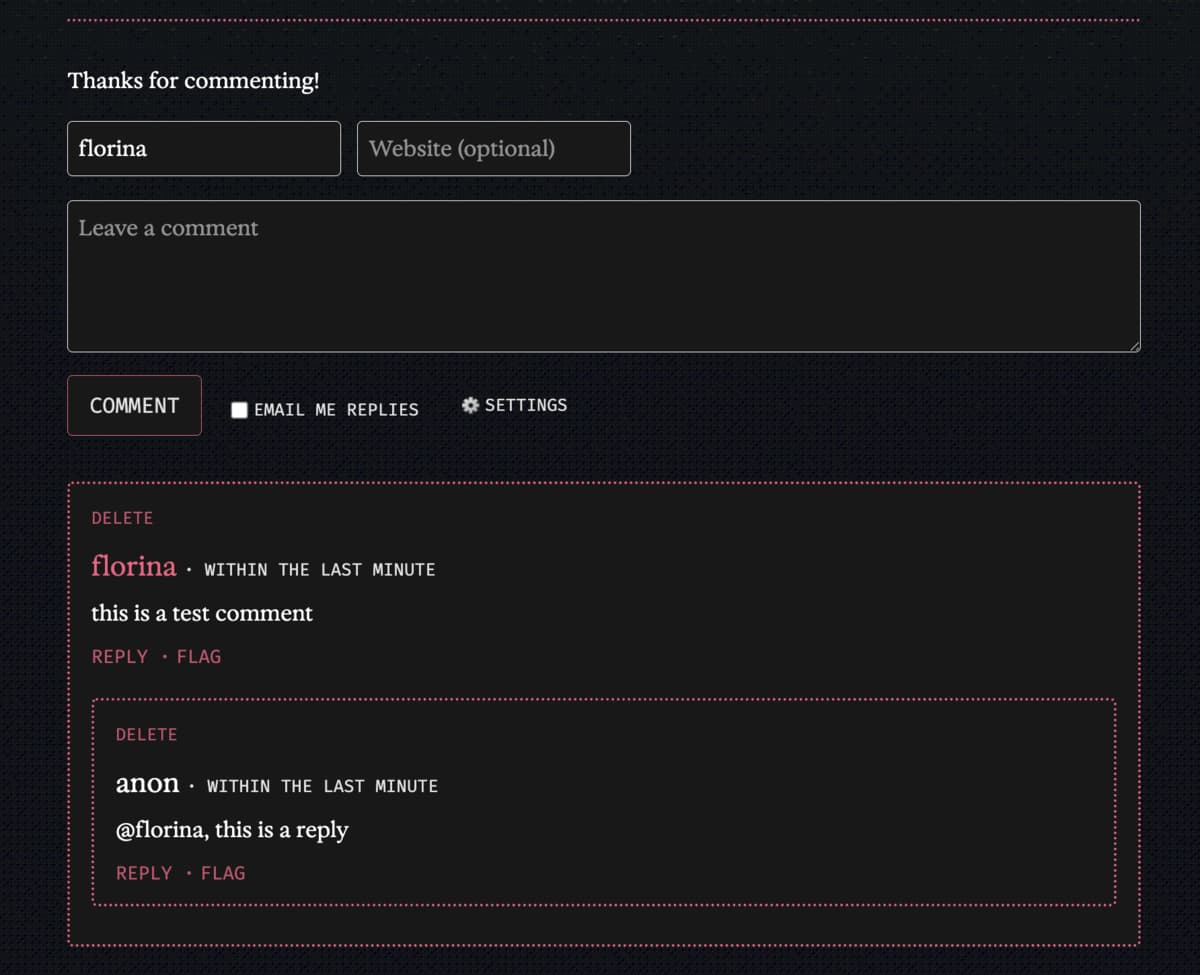
The best part about it is that you have total control of the styling via CSS! You can read more about it here, but essentially all I had to do was open Inspect Element and figure out which tags or classes to target.
Here’s how other people have customized their widgets:
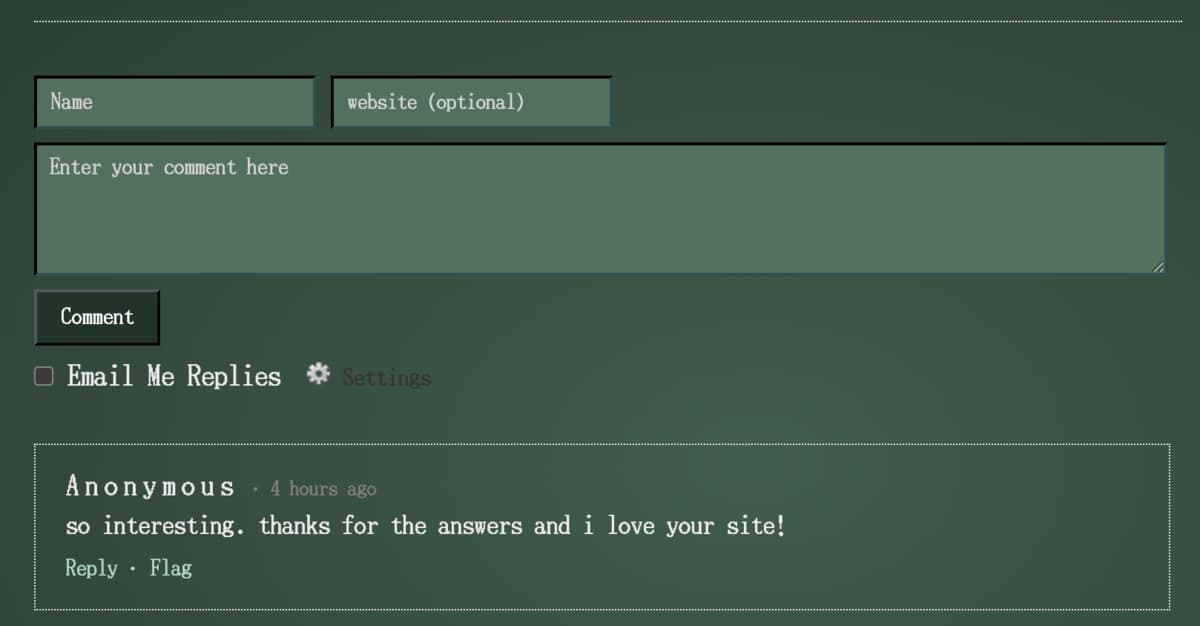 from ribo.zone
 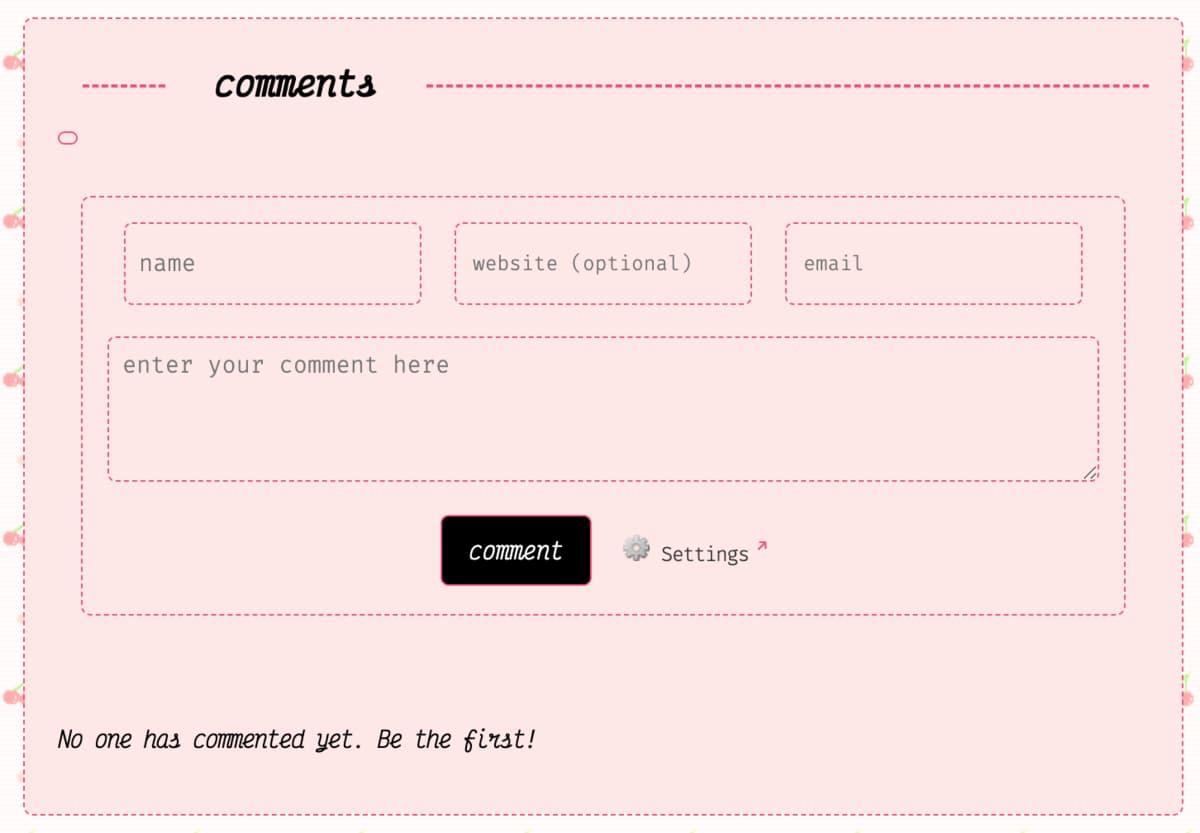 from Kaylee Rowena
 Svelteifying the Embed Code
Immediately after logging in, HCB will give you code that you can copy and paste straight into your file. This is what it looks like by default.
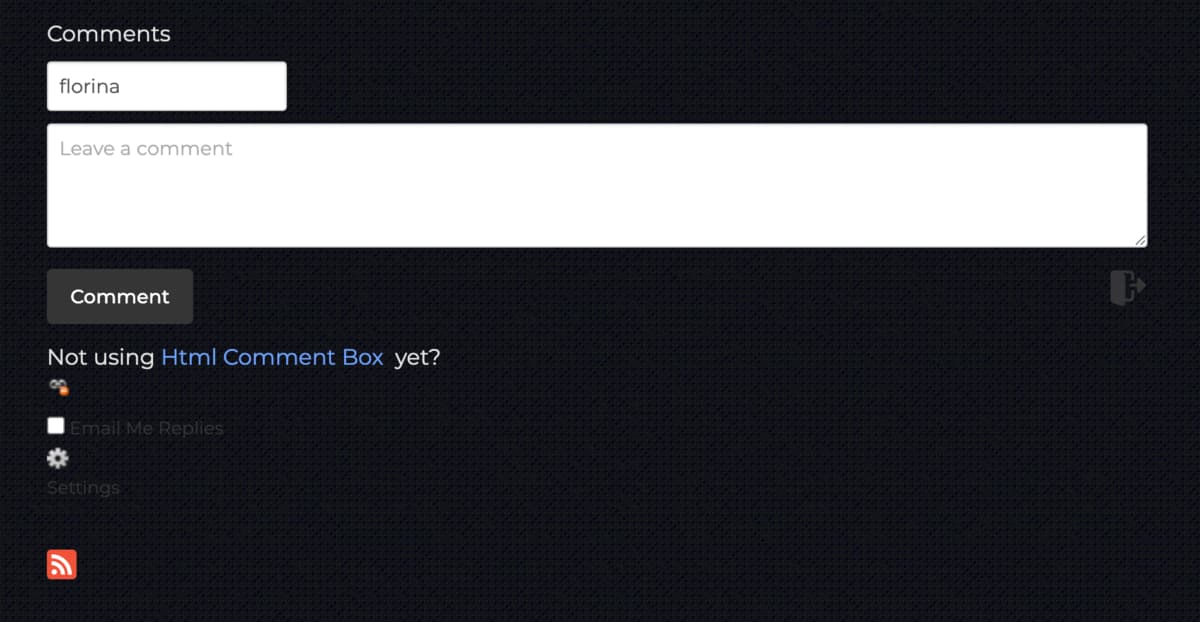 kinda ugly...
 If you’re working on a plain HTML file, you can stop here. All you need to do is style the elements accordingly.
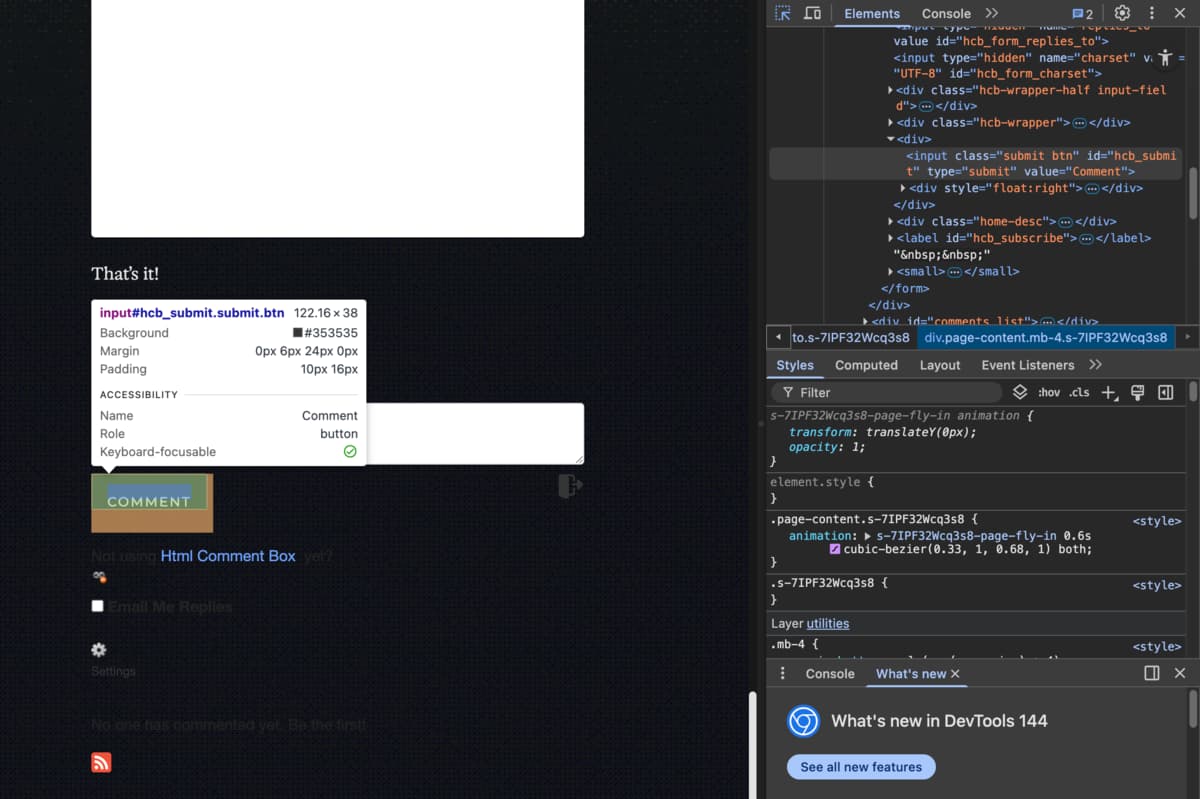 look for the corresponding tags and classes here
 If you’re using SvelteKit like I am, you need to place the script in an onMount hook so that it runs in the browser only after the component has been mounted. Otherwise, SvelteKit may try to render it in the server and cause a runtime error.
Replace this:
<script type="text/javascript" id="hcb">
 /*<!--*/ if (!window.hcb_user) {
		hcb_user = {};
	}
	(function () {
		var s = document.createElement('script'),
			l = hcb_user.PAGE || ('' + window.location).replace(/'/g, '%27'),
			h = 'https://www.htmlcommentbox.com';
		s.setAttribute('type', 'text/javascript');
		s.setAttribute(
			'src',
			h +
				'/jread?page=' +
				encodeURIComponent(l).replace('+', '%2B') +
				'&mod=%241%24wq1rdBcg%247pXLI2Nftu0UD3pl.2vzg%2F' +
				'&opts=16798&num=10&ts=1772765904575'
		);
		if (typeof s != 'undefined') document.getElementsByTagName('head')[0].appendChild(s);
	})(); /*-->*/
</script>
With this:
<script lang="ts">
  import { onMount } from 'svelte';

  onMount(() => {
    (window as any).hcb_user = {};

    const l = window.location.toString().replace(/'/g, '%27');
    const h = 'https://www.htmlcommentbox.com';
    const s = document.createElement('script');
    s.type = 'text/javascript';
    s.src =
      h +
      '/jread?page=' +
      encodeURIComponent(l).replace('+', '%2B') +
      '&mod=%241%24wq1rdBcg%247pXLI2Nftu0UD3pl.2vzg%2F' +
      '&opts=16798&num=10&ts=1772765904575';
    document.head.appendChild(s);
  });
</script>
Additionally, you can customize the labels by adding this script to the hcb_user variable:
onMount(() => {
  (window as any).hcb_user = {
    /* L10N */
    comments_header: 'Comments',
    name_label: 'Name',
    content_label: 'Leave a comment',
    // rest of script
As the name suggests, HTML Comment Box supports formatting in HTML and not Markdown. Markdown is faster and easier to write in, but there’s something old-school about writing out HTML tags that I enjoy.